The club
in your
pocket.
MVARC Connect for iPhone & Android
Net reminders before you key up, club messages, the shared calendar, photos and your membership. One account works on the website and in the app.
Now in testing with club members. Want to help test? Ask at the next meeting.
What it does
Built for the way the club works
Net reminders
Choose the nets you follow and get a heads-up before each one starts.
Club messages
Announcements from the board and net control, in one place.
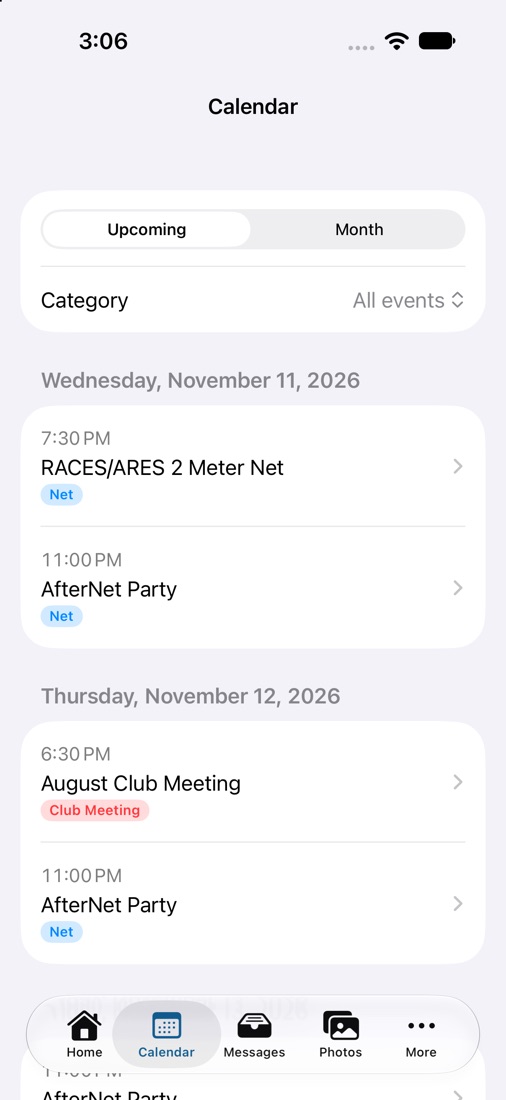
Shared calendar
The same meetings, nets and classes you see on the website.
Photos
Members share pictures from meetings, outings and Field Day.
Classes
Browse classes, enroll and see your session details.
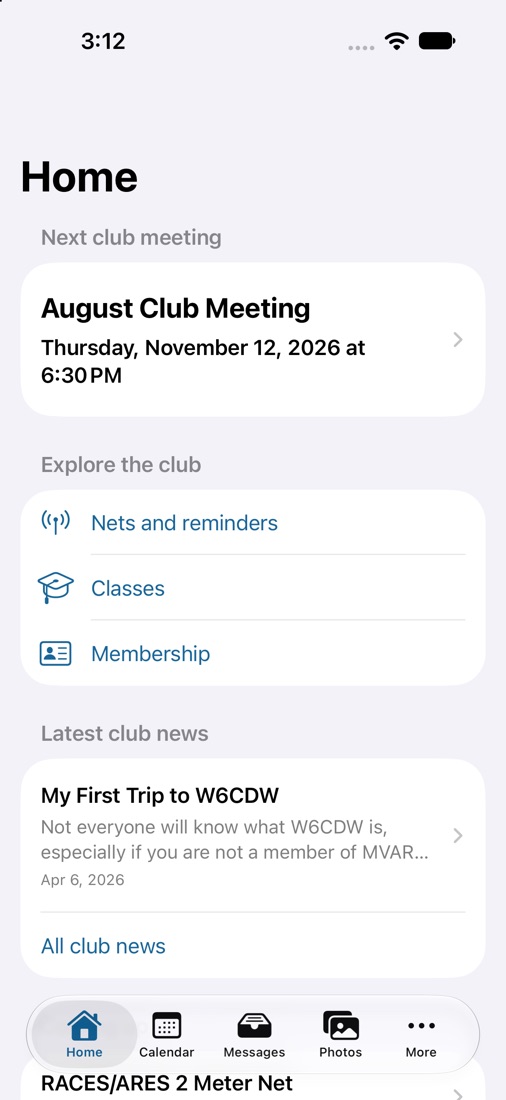
Membership
Check your status, find fellow members and renew on the website.
What’s next
A friendlier app for everyone
The next version opens without signing in, so anyone can explore the club first.
It reorganizes around five places: Home, Activities, Watch & Learn, My MVARC and More. Joining and renewing will work from the app, and the club’s recordings will play right inside it.
The screens above are from the current beta. The new layout is in development.
Getting started
Three steps
- Install MVARC Connect when it’s available for your phone.
- Sign in with your mvarc.radio account, or create one in the app. No second registration.
- Pick your nets and allow notifications for reminders. You can change this anytime.
Privacy: the app uses your club account and the notification choices you make. Privacy policy · Delete my account