Not everyone will know what W6CDW is, especially if you are not a member of MVARC (Menifee Valley Amateur Radio Club). W6CDW is the callsign of the club repeaters. We run three repeaters on Elsinore Peak at around 3500-foot elevation. All three repeaters are hosted at the K2 towers site on the ridge of Elsinore Peak. Our club repeaters are extremely well connected and reach across a large swath of Southern California.
Unfortunately, we had lost internet connectivity for a few days, and when connectivity was restored, ours was not. Necessitating a trip up the hill. That’s ok though, I have wanted to check out the tower site for some time, now was my opportunity!
Pat (N6WHZ) and Craig (KO6GXM) jumped into Pat’s jeep and headed up the hill. I really had no idea what I was expecting.
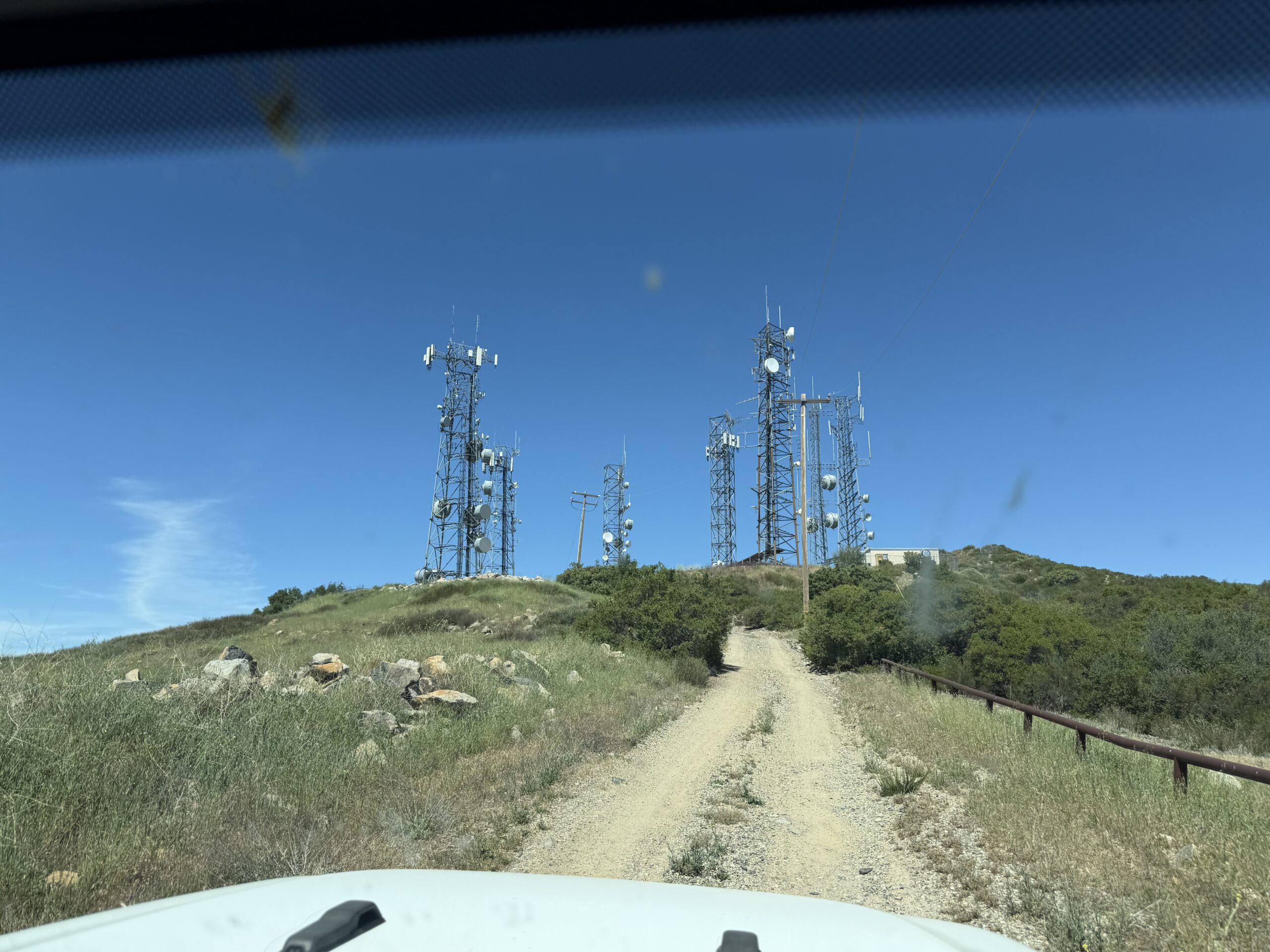
This is the final hill to the repeater site. I think that it was at this point that I was very glad that Pat was driving. I don’t think that my Lexus hybrid would have made this hill 🙂
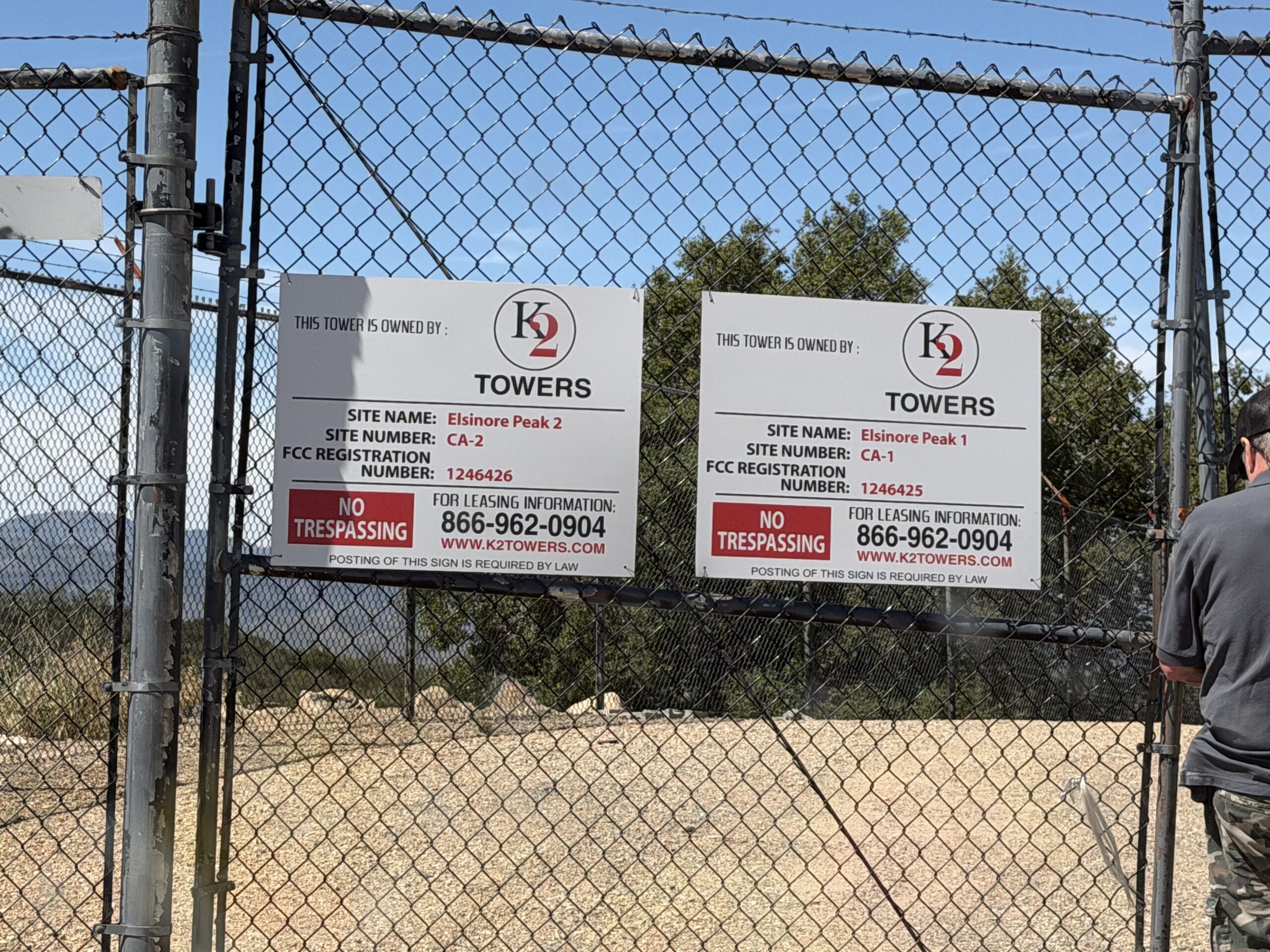
This is the gate around the facility. We gained access and then parked outside of the building that housed the repeaters. We grabbed our equipment and entered the facility. Our repeaters are installed into a standard 19 inch wide rack, and we have the whole rack to ourselves. Here are some pictures.
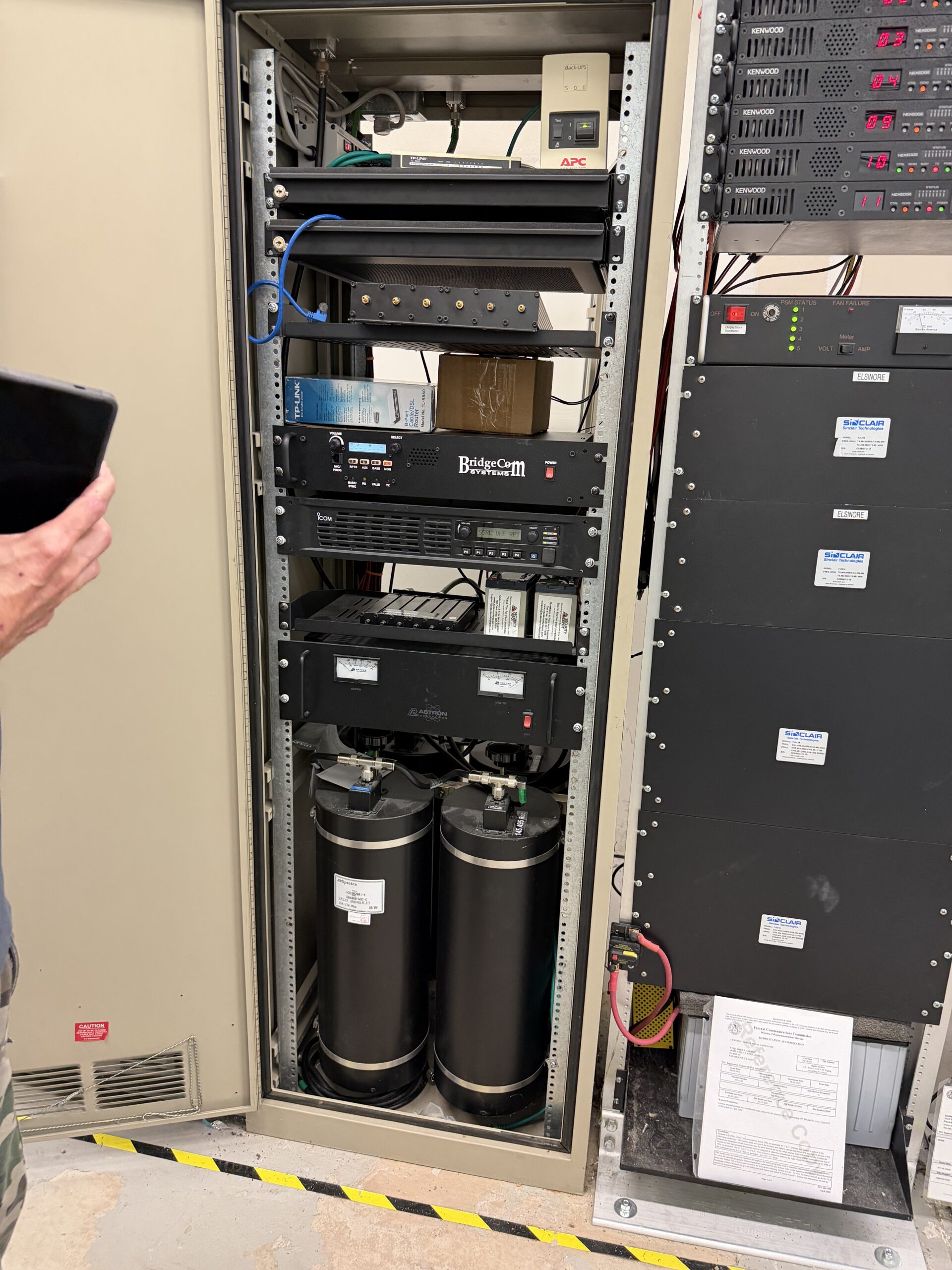
I was absolutely floored by the size and shape of the duplexer for our 2-meter repeater. That is the set of four cylinders at the bottom of the rack. What is a duplexer? It’s a filter that allows a repeater to both send and receive radio signals at the same time. The reason for the size and volume is due to the closeness of the split that the 2-meter band has, it’s only 600 kHz apart between transmitting and receiving frequencies. That closeness requires a duplexer like this.
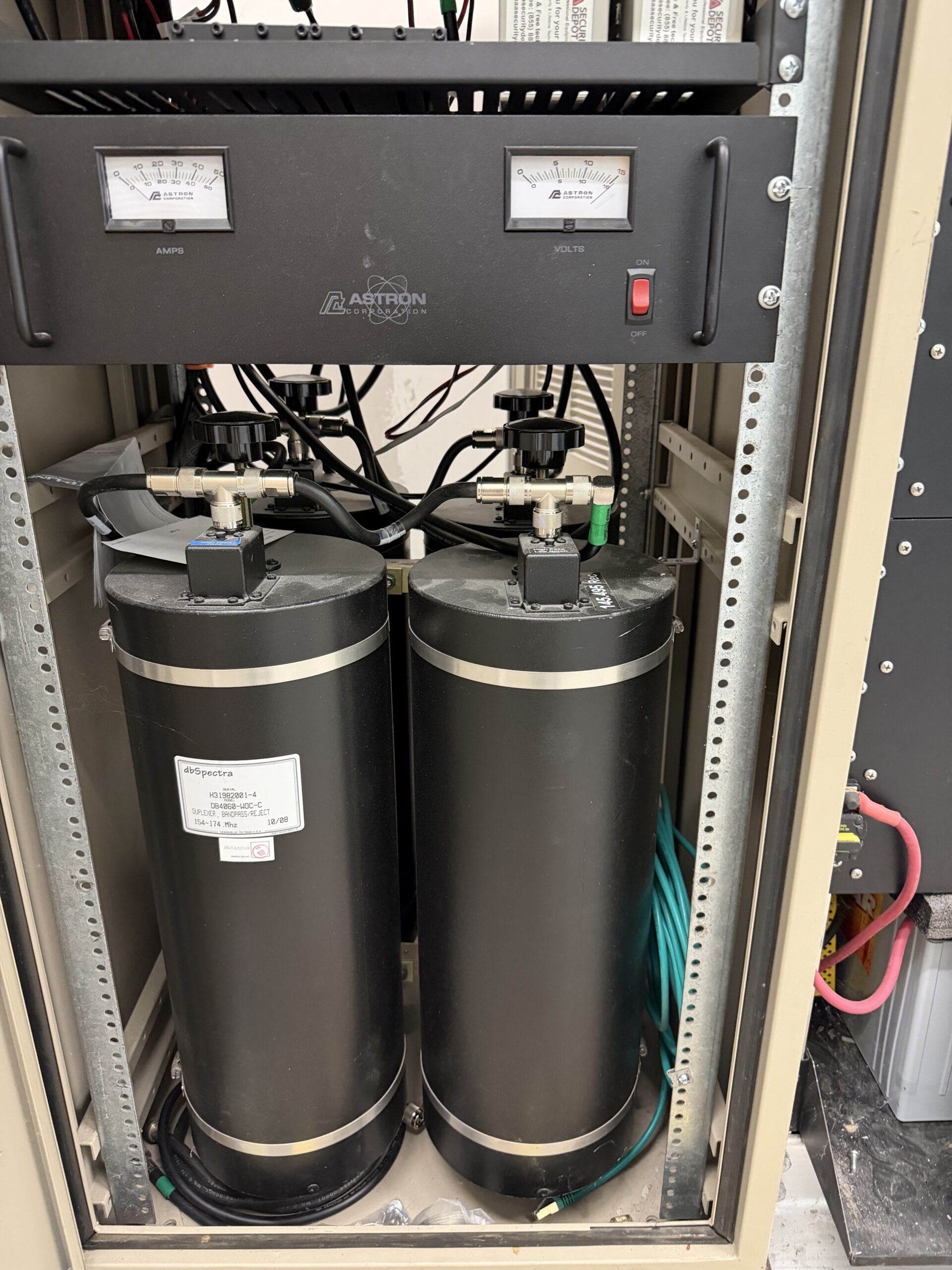
OK This is cool, but we need to fix an issue here. We look at the hardware and start testing our gear in the rack and it does not take too long to see that our router in the rack had failed. I was wondering about that, so I brought a few extra routers with me, and we decided to install a Ubiquiti UCG Ultra in place of the old unit.
Unfortunately, this is where things got a little more complex. We had no documentation from the previous install as far as the IP addressing that was used. I saw that the devices were statically addressed as the ports were labeled with their external non rfc-1918 address. But subnet mask, gateway, DNS no idea. Ok quick count of available addresses, yep only 5, this is probably a /29. Edit the config on Pats windows laptop and put it directly on the internet to test. Yes, everything works, and I probably got Pat’s laptop compromised. However, I now know the addresses that I need. Configure the Unifi router, and it starts upgrading. Perfect, we have internet connectivity.
If anyone does not truly understand the issues with a Windows laptop being placed on the internet without a firewall in front of it, the latest stats that I saw suggested it would be likely compromised within 20 minutes. That’s why KO6GXM uses Macintoshes and Linux 😃
KO6GXM@ip-172-16-0-26:~$ whoami
KO6GXM
Signing off until next time – 73
Thanks Craig for your report on the trip up the hill. The setup the Menifee Valley Amateur Radio Club has up there is quite a big deal. That is testament to the work Cliff Wallace W5SQI did building the repeater system, and why the repeaters’ call is W6CDW, the callsign of the Secret Squadron Radio Club that Cliff started, that continues to this day, to maintain and upgrade the system as Craig just reported.
I am very pleased with the new router upgrade and the giant step in capacity, control, reliability and security it affords us. Thanks Craig for your donation of this amazing hardware and the knowledge it takes to use it properly. Now you have to teach the rest of us ‘squirrels’ how to use it and not mess it up!
Thanks and 73,
Pat Reilly N6WHZ
Secret Squadron Radio Club
Menifee Valley Amateur Radio Club
Pat, Thank you for all your hard work with the repeaters and with the club and Craig help getting the web site up and running!